
AI Drone Product Photos: Check Blade Symmetry, Not Blade Count
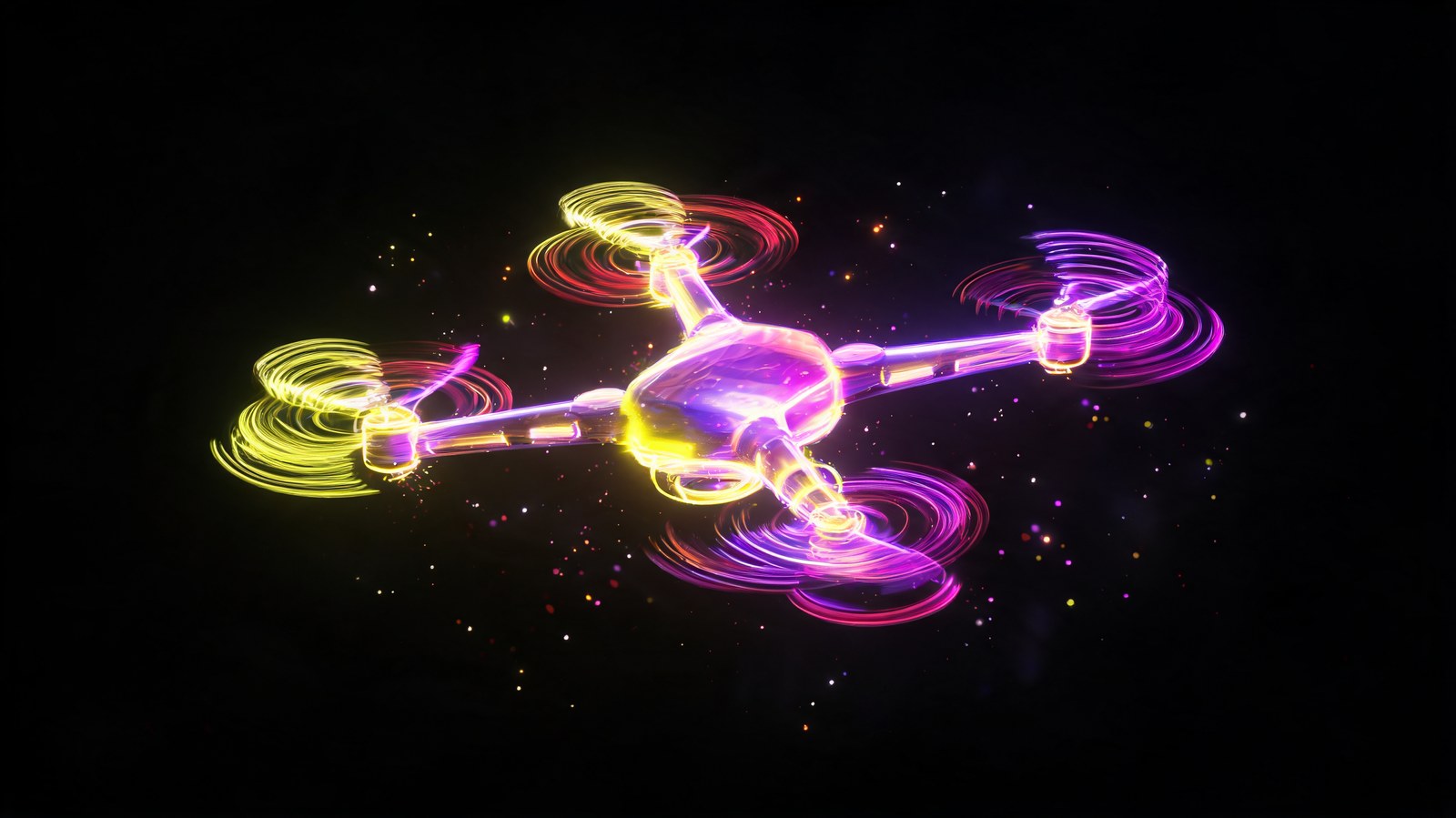
AI drone product photos live or die on blade symmetry and the gimbal camera. Here's what generation gets wrong on quadcopters and how to shoot it honestly.
AI drone product photos start with four identical blades, and symmetry matters here the way it matters on bicycle spokes. An asymmetric drone in a photo reads as fake almost instantly.
I run content at Flami, and this is one of those categories where mechanical accuracy decides whether the shot feels trustworthy at all.
Blade symmetry: the first thing to check
A quadcopter's four arms, motors, and blades need to match exactly in length and angle. At a tricky angle, generation sometimes stretches one arm slightly longer or shorter than the rest. I check the drone from directly above first, where symmetry is easiest to judge, then move to angled shots once that's confirmed.
The gimbal camera
A stabilized gimbal is a moving mechanical part, and AI generation can only freeze it in a static pose, not show real stabilization in action. For a close-up of the gimbal and camera, shooting the actual unit is the safer call.
The remote controller
A controller with a screen, joysticks, and buttons needs the same treatment as any electronic device: don't let generation render the display from scratch. Paste in a real screenshot of the interface during editing instead.
Drone in flight
A flying shot against a landscape sells the use case better than a product shot on a table. Generation handles this part confidently, as long as the drone itself stays symmetrical and untouched from the honest base shot.
FAQ
How do I check drone symmetry in a generated image? Start with a straight overhead view, where uneven arms or blades show up clearly. Only move to angled shots once that checks out.
Can AI show the gimbal actually stabilizing? No. Generation only gives you a static position. For a gimbal close-up, shoot the real unit.
How should I handle the controller screen? Paste a real screenshot of the interface onto the generated controller body in your editor, rather than generating the screen itself.
Does AI work for in-flight drone shots? Yes, for the atmospheric background, as long as the drone itself stays accurate and symmetrical in the source shot.
Sources
- Flami: AI bicycle product photos
- Flami: AI action camera product photos
- Flami: pre-publish checklist for product listings
About the author
Daniel Reed
Head of content at Flami