
AI Product Photos for Keyboards and Mice: Getting RGB Lighting Right
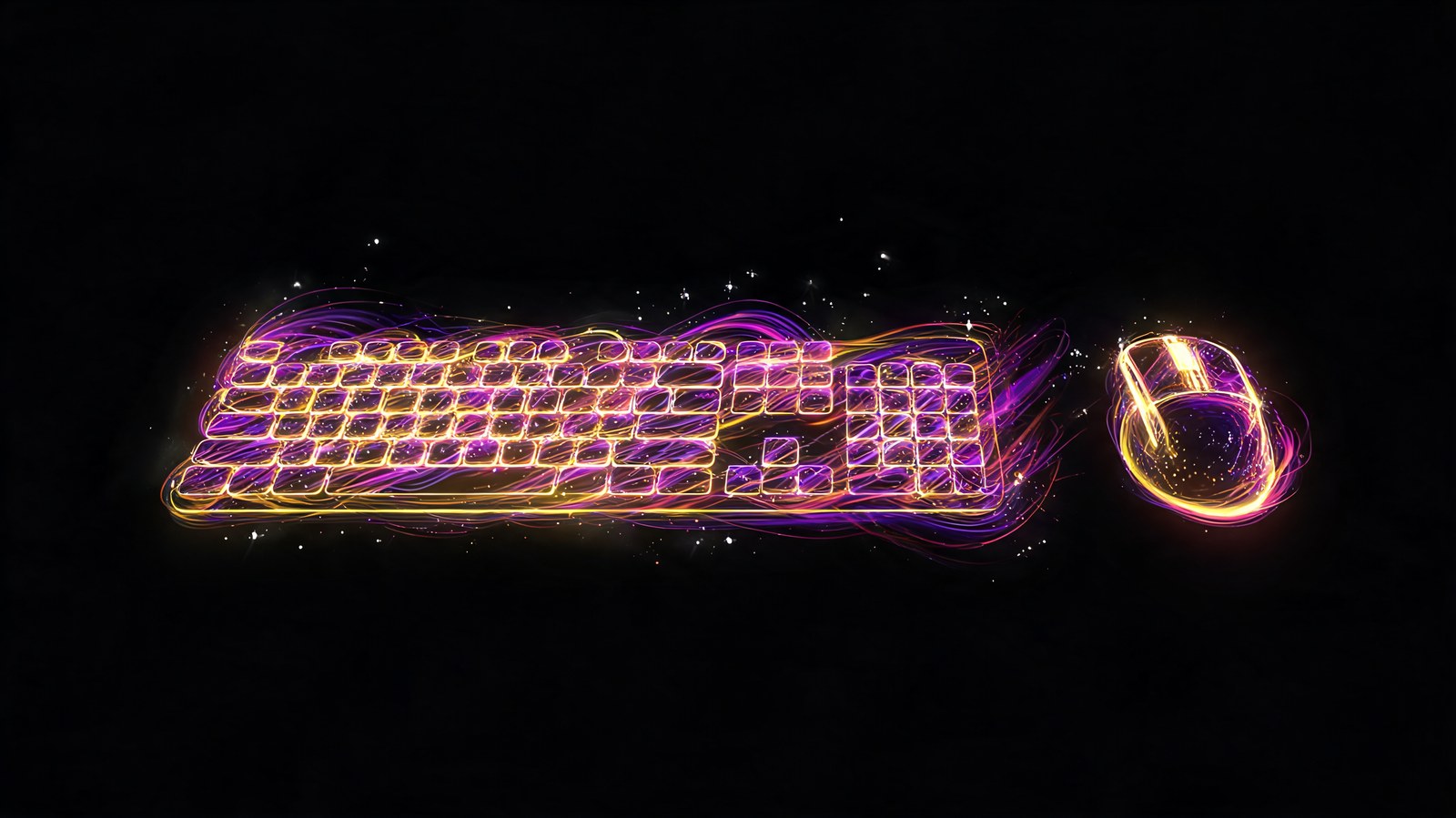
AI product photos for keyboards and mice run into two issues: key labels and RGB lighting that needs to look like a real light source.
Keyboards and mice run into two separate problems at once: text on the keys, and colored lighting that has to read as a genuine light source instead of a sticker.
Keyboard layouts and key labels
Letters and symbols on a keyboard get mangled the same way any text in a frame does. I covered the reasons in a separate piece on why AI tools wreck hands and text. For a layout that actually holds up, it's safer to start with a real photo of the keyboard and let the AI generate only the background and lighting around it, leaving the keys themselves untouched.
RGB lighting that doesn't look pasted on
Colorful lighting on keys or a mouse shell needs real glow and reflection on nearby glossy surfaces. If it doesn't have that, it reads as a flat decal instead of light. I check for a soft halo around the bright zones; without it, the lighting just looks painted over the surface.
Mouse shape and ergonomics
A gaming mouse with a sculpted grip has to keep its geometry exact, and when a generator reworks the whole scene aggressively, it sometimes smooths out the finger grooves into something close to a plain curved shell. I check the side profile separately from the top-down view, since the shape reads much more clearly from the side.
Peripherals shown in use
A shot of a hand on the keyboard or mouse mid-game adds life to a listing, but it runs straight into the usual hand artifacts. More on that in the general piece on hands and text. For this kind of shot, it's often faster and more reliable to photograph a real hand on your phone and let the AI generate only the surroundings.
FAQ
Can AI generate the keyboard layout accurately? No, text on keys gets distorted systematically. Text on keys gets distorted every time. Start with a real photo and add background and lighting around it instead.
How do I check if RGB lighting looks real? Look for a soft glow with reflection on nearby surfaces. Without it, the lighting reads as a flat sticker rather than actual light.
What happens to ergonomic mouse shapes? When the scene changes a lot, the generator can smooth out finger grooves into a plain curved surface. Check the side profile on its own to catch this.
How do I show a hand using the peripheral? Shoot the hand for real on your phone, then generate only the background and environment around it.
Sources
- Flami: why AI tools mangle hands and text
- Flami: AI product photos for smartphones
- Flami: macro shots and product texture
About the author
Jake Turner
Reviewer at Flami
Read next
Veo 3.1 vs Kling 3.0 vs Runway: I ran the same product videos through all three
Veo 3.1 review: what Google's video model does well in 2026, and where it still slips
Kling 3.0 review: two weeks of product clips, multi-shot scenes and a few misfires
Runway Aleph review: an AI video editor, not another text-to-video model