
AI Pet Cage Product Photo Generator: Why Bars Keep Breaking
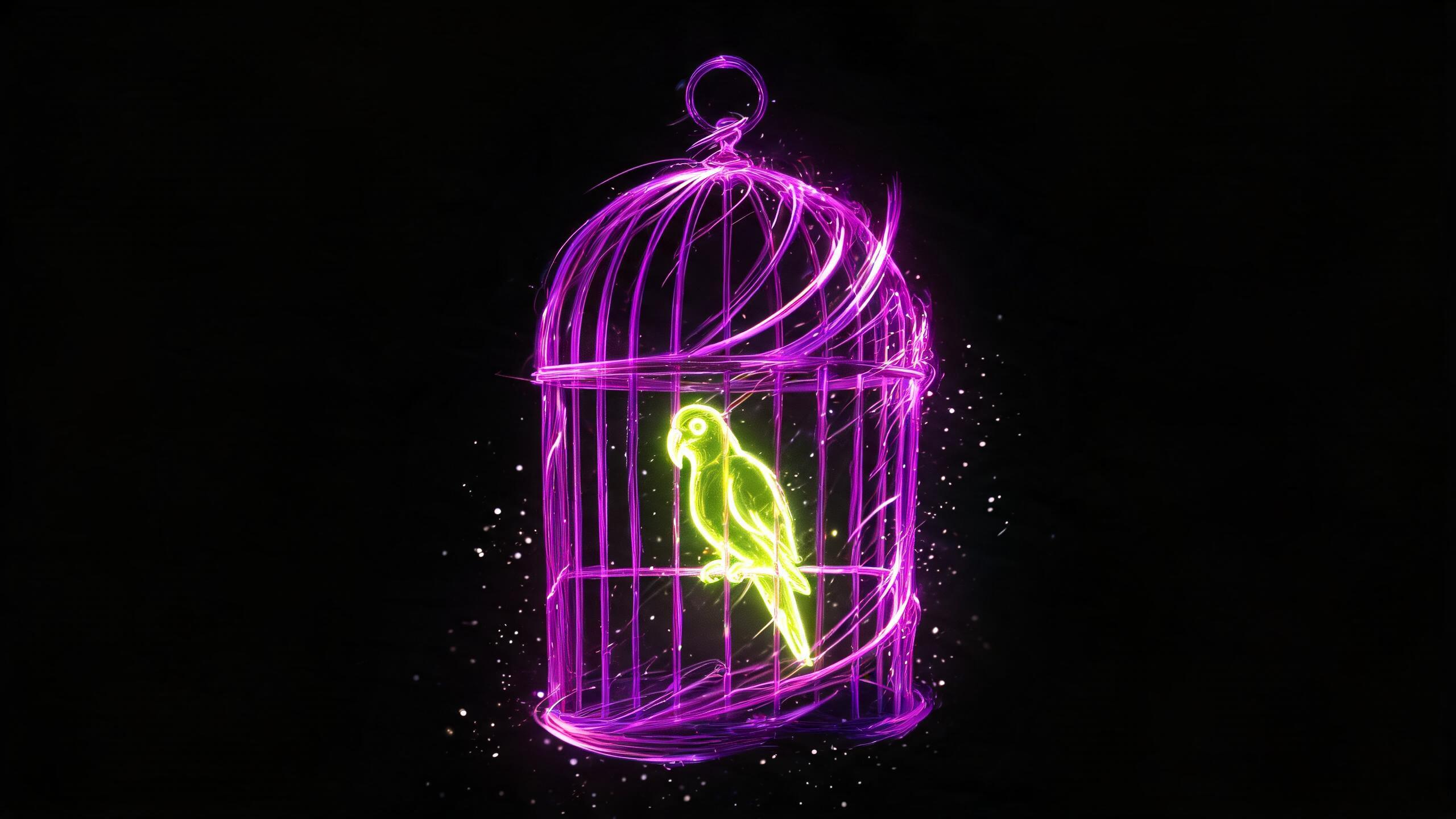
AI pet cage product photo generator struggles with evenly spaced bars and small accessories. Here's what goes wrong with cages, hutches, and bird perches.
An AI pet cage product photo generator has to deal with tightly spaced parallel bars, which is the same kind of repeating structure that trips up bike spokes or grill grates, just packed in even tighter.
I'm Alex, I run content at Flami, and this category has so many small accessories that it's easy to lose track of what's actually in frame.
Cage Bars Are the Hard Part
When bars are shot at an angle, generation sometimes spaces them unevenly or merges two neighboring bars into one. I check the bar spacing first, and I try to shoot the cage straight-on whenever I can, since that's the angle where the distortion shows up least.
Accessories and Decor Inside the Cage
Feeders, water bottles, perches, exercise wheels: a cage usually comes loaded with several small items at once, so the same logic applies here as with any product that ships with multiple components. I've written more on counting items in a bundled product shot.
Hutches and Hideouts
Wooden or fabric hideouts for small pets and birds tend to render reliably as simple shapes. I check the wood grain or fabric texture the same way I would for any product with a natural material surface.
Putting a Pet Next to the Product
A real animal next to the cage or hutch makes the shot feel more alive, but animal generation comes with its own anatomy quirks, similar to the limitations you see with generated people. For this kind of scene, I usually trust a real photo of the pet over a generated one.
FAQ
What goes wrong with cage bars in AI generation? Spacing between bars can come out uneven, and neighboring bars sometimes merge into a single line, especially when the cage is shot at an angle.
What's the best angle to shoot a cage? Straight-on, if you can manage it. That's the angle where bar spacing distortion is easiest to spot and control.
What should I check with accessories inside the cage? Count everything: feeders, water bottles, perches. Treat it the same as any product that comes with several components in one shot.
Should I put a live pet next to the product? Be careful here. Animal generation has its own anatomical limits, so a genuine photo of the pet is usually the safer bet.
Sources
- Flami: counting items in a product bundle shot
- Flami: AI bike product photos
- Flami: macro texture in product shots
About the author
Daniel Reed
Head of content at Flami