
AI Video for Clothing: Fashion Clips Without a Shoot
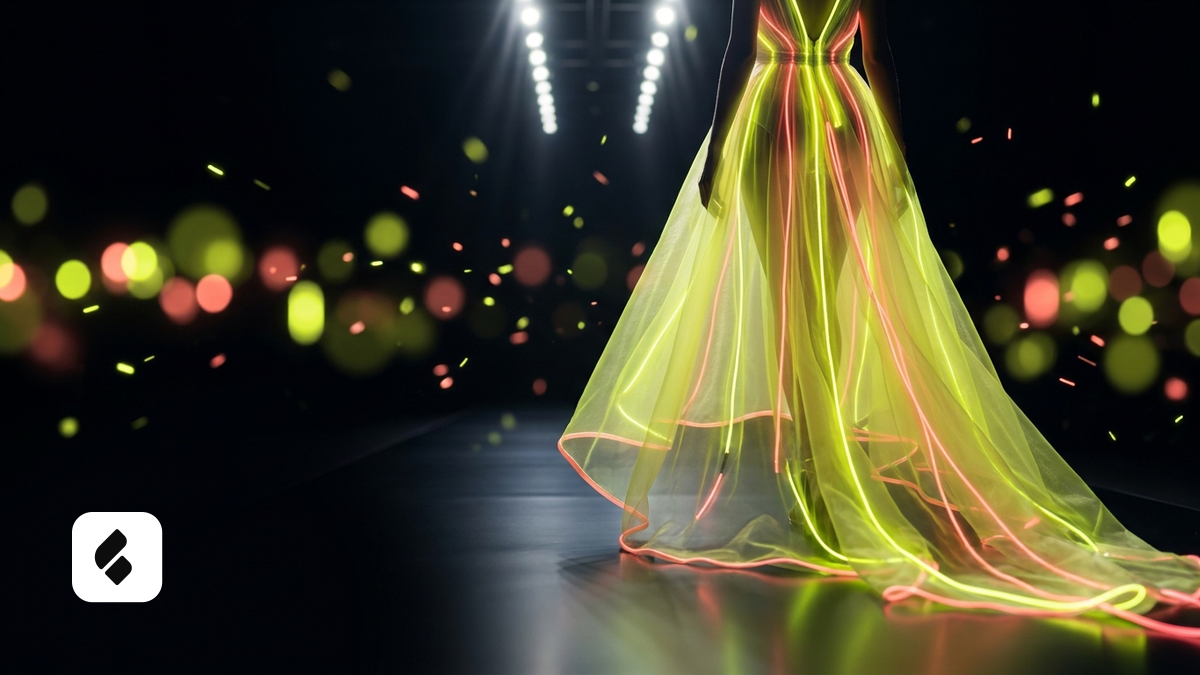
AI video for clothing turns a product photo into a moving fashion clip. See which models handle fabric and motion best, and where generation falls short.
Clothing sells on fit and movement. Buyers want to see how a garment drapes, how the fabric moves when someone walks or turns. Shooting that live means a model, a studio, and a photographer. AI video for clothing skips most of that chain: a fashion clip gets built straight from a product photo. Here's how it actually works, which tools are worth using, and where generation genuinely runs out of room, so you're not expecting miracles from it.
What an AI clothing video can already do
The basic workflow is simple. Upload a photo of the garment, or a photo of a model wearing it, and the AI brings the frame to life. You get a clip where that jacket turns, the hood is visible, the texture and fit on the body read clearly. For a product listing or a social post, that's often all you need.
If the shot needs a face doing some acting, Hailuo is strong on expression: it handles a glance or a light smile convincingly, something I covered in the Hailuo review. When the shot calls for camera movement instead, a walk-by or a slow circle around the piece, Kling handles camera motion well; details are in the Kling 3.0 review. And for turning a plain product photo into motion, image-to-video is the right tool, there's a separate guide on bringing a product photo to life.
Where the limit actually is
No sugarcoating this part. Clothing is a hard subject for AI: fine fabric texture, seams, logos, fit on a moving body. On fast motion the generator sometimes loses track of folds, invents an extra seam, or warps a print. The more complex the fabric and the bigger the logo, the higher the chance of a bad render.
So I don't expect a flawless runway-style show from generation. For a listing clip where you just need to show the garment in motion, it holds up fine. For premium brand footage where every fold matters, shooting it for real is still the honest call. That split is fine. Some jobs the tool handles, others it's better to leave alone.
Cutting down on bad renders
A few habits that save you from regenerating over and over. Start with a sharp source photo in even light, no glare, no tiny text on the fabric. Don't push the model into a sudden fast move, a slow turn renders cleaner than a quick spin. And always block unwanted logos in the negative prompt. AI loves slapping an unrelated brand onto a garment, and that's a direct risk when a marketplace reviews the listing. There's a deeper breakdown of this kind of artifact in why AI mangles text and logos.
You can build a clothing clip from a product photo right on the Flami product page: the apparel-ready models are already there, you just pick the motion and check the frame.
FAQ
Can I make a clothing video without a shoot or a model?
Yes. The AI animates a photo of the garment or of a model wearing it, producing a clip with a turn, visible fit, and fabric movement. That's usually enough for a listing or social post, no live model or studio needed.
Which AI model works best for clothing videos?
Hailuo is strong for shots with a face and expression, Kling for camera movement and dynamic scenes. For turning a plain product photo into motion, image-to-video mode is the right call. It's worth running the same garment through a couple of models and picking whichever keeps the fabric cleanest.
Does AI handle complex fabric and prints well?
Not always. Fine texture, seams, and large logos can warp or blur on fast motion. The more complex the garment, the higher the risk, so a sharp source photo and slower movement cut down on problems.
What about logos the AI adds that aren't mine?
Block them in the negative prompt and check the frame before uploading. An unrelated brand showing up on a garment is a real risk during listing review, so those clips are worth regenerating or editing out.
Sources
- Flami: image-to-video, how to bring a product photo to life
- Flami: why AI mangles hands, text, and logos
About the author
Daniel Reed
Head of content at Flami