
AI Banner Generator: It Nails the Background, You Handle the Words
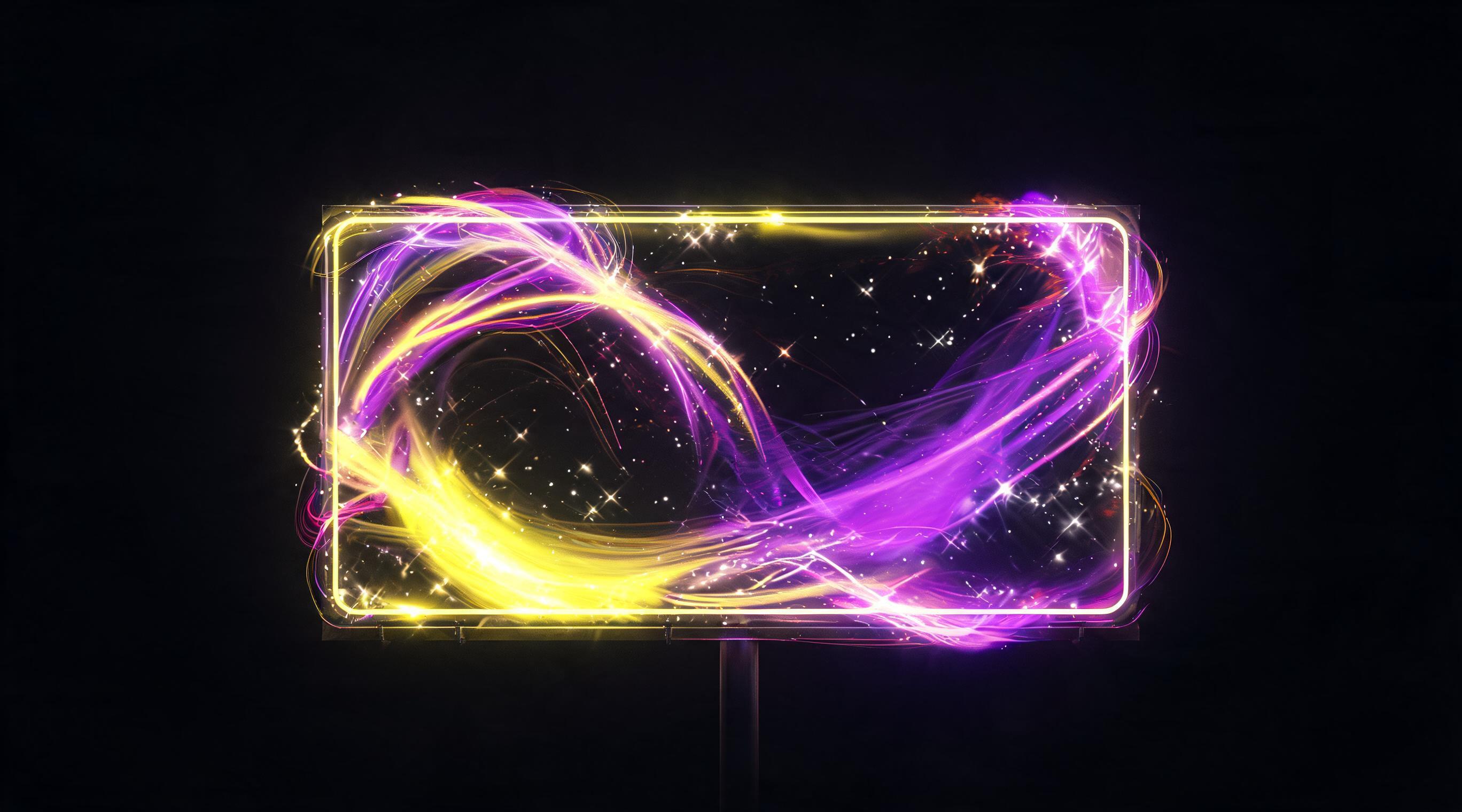
An AI banner generator builds the scene, but the headline needs a human touch. We cover sizing, text space, and checking banners at thumbnail size.
An AI banner generator gets you halfway there. It can handle the background and the scene on its own, but the headline, the one thing the banner actually exists for, is better left to you. I'll walk through what the model handles and what's left to you.
What to generate
Background and mood: surface, lighting, color palette.
The product in context, if this is a product banner. Generate it from your own product photo, otherwise you'll end up advertising someone else's item by accident.
Graphic elements: abstract shapes, textured backgrounds, glow effects.
Variations for different audiences: same scene, different framing or context.
How to Prompt for Banner Composition
Unlike a regular image prompt, a banner prompt has to ask for text space on purpose.
Phrases that actually work: "subject shifted to the left third of the frame, right side empty" or "product in the lower half, top area clear."
Skip that instruction and the model fills the whole frame. Your headline ends up sitting on top of the product.
Also tell it explicitly not to render any text. Otherwise you get fake letter-shapes that you'll have to cover with a solid bar later.
Sizing and the shrink test
Generate directly in the aspect ratio you need. Cropping after the fact wrecks the composition, since the model built it for a different shape.
Check it at actual size. A banner in a feed on someone's phone takes up a strip maybe an inch tall.
Shrink your draft down to that size and see what survives. Usually it's one big visual element and three words, everything else turns to noise.
What goes on top
Headline and subhead, set in actual type, not generated.
A button or CTA.
Logo.
Any required disclosure text, if your ad needs it. There's a separate piece on labeling AI-generated content in ads if that applies to you.
This layering approach also saves time down the line. When the promo changes, you swap the text layer and keep the background.
I'll admit I'm probably overcautious on word count: I stick to three or four words max, though I've seen working banners with a full sentence crammed in. Might just be a niche thing.
FAQ
Can you generate a banner complete with text in one shot? Technically yes, but the lettering tends to come out warped or nonsensical. It's more reliable to generate the background and drop text on as a layer.
How do I get space for a headline? Ask for it directly, specifying which part of the frame should stay empty. The model won't leave blank space on its own.
What aspect ratio should I generate in? Whatever you need for the final placement. Cropping a finished image after generation breaks the composition.
How do you check if a banner is working? Shrink it to the size it'll actually appear at in a feed. If the subject and text aren't readable at that size, it's overloaded.
Should I test the banner before launch? Shrink it to feed size first. That one check alone knocks out about half of draft layouts.
Is it okay to put the price directly on the banner? You can, but the price goes stale the moment the promo ends while the creative sticks around. Keeping the price in the ad copy instead is more reliable.
Sources
- Flami: AI generator for ad creatives
- Flami: product infographic card prompts
About the author
Jake Turner
Reviewer at Flami