
AI Glass Product Photos: Why the Reflections Lie
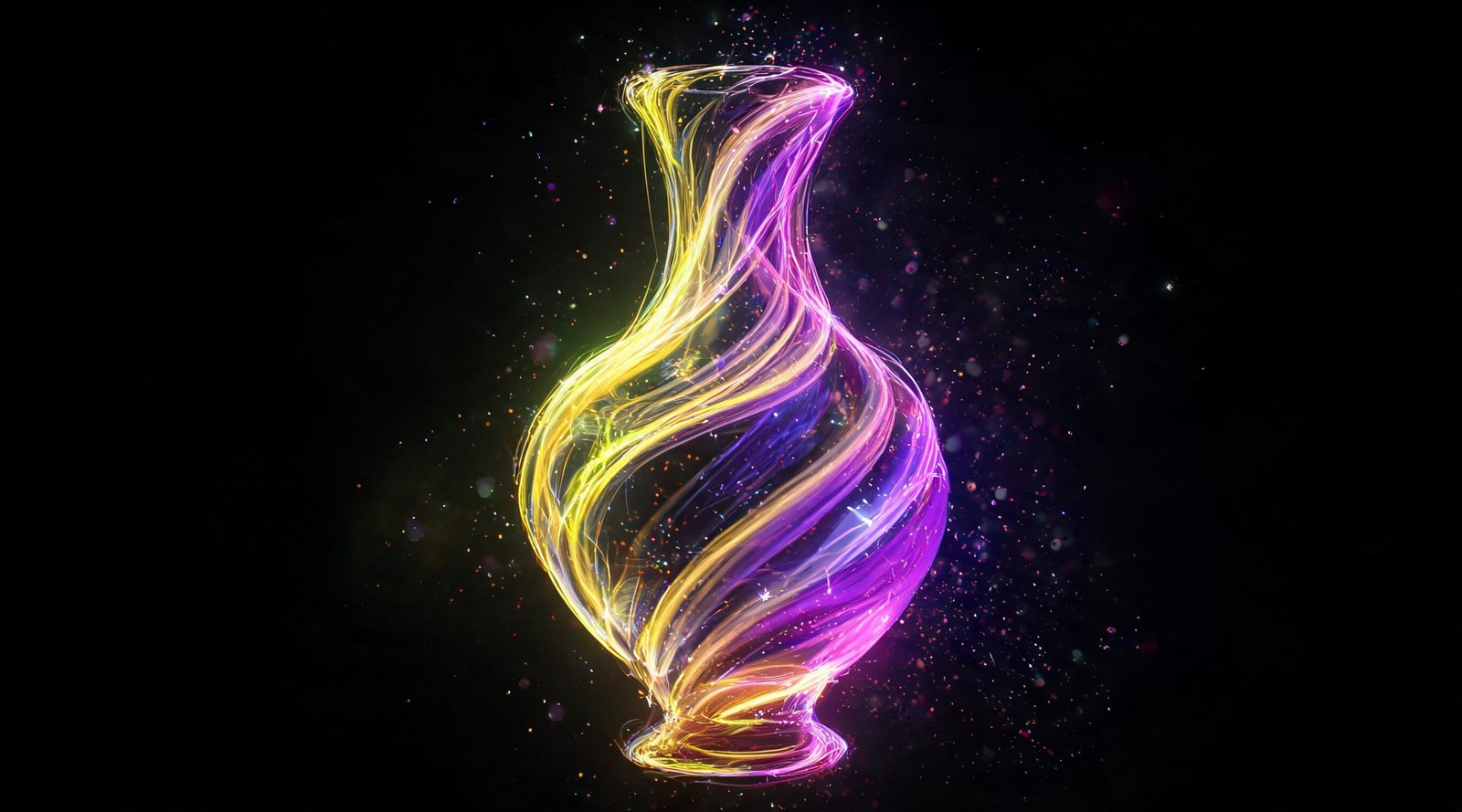
AI tools draw gorgeous but fake reflections on glass products. Here's why it happens, how to get realistic shots, and what to check before you publish.
AI glass product photos come out looking stunning and just as often completely fake. The beauty doesn't help you here. Zoom in on the reflection and you'll often spot something that was never part of the scene.
Why the Reflections Don't Add Up
A real reflection is physics. Light bounces off a surface at a predictable angle, and glass shows exactly what's standing around it.
A model doesn't run that calculation. It paints what reflections on similar objects usually look like, based on everything it's seen before.
So you get a wine glass reflecting a window that isn't in the frame. A chrome handle reflecting a person who was never on set.
Mirrors have the same issue, just harder to miss: what shows up inside the frame rarely matches the room it's supposedly sitting in.
When AI Gets Glass Product Photos Right
Here's what tends to make the result look real.
Start from a real photo instead of a text prompt. Reflections captured on camera tend to survive if you ask the model to touch only the background and the light, leaving the object itself alone.
Keep the background simple. Fewer objects around the product means less for the model to invent.
Describe the light precisely: one source, a clear direction. Stack multiple light sources and you'll get multiple sets of fake highlights.
Pick a straightforward angle, either head-on or three-quarter. Skip anything that shoots straight through the object.
Spell out transparency in words: what should be visible through the glass, and roughly what it should look like.
What to Check Before You Publish
Look at what's actually inside the reflections. Windows, lamps, or people that have no business being in the scene show up more often than you'd expect.
Check whether the highlights match the light source you described. Mismatched glare is one of the easiest tells.
Check the wall thickness. Glass shows its edge at the rim, and models tend to lose it or exaggerate it.
Look at how the background distorts through the object. Some distortion should be there, but it needs to follow the shape of the glass.
If there's liquid inside, check the color. This is where you'll most often get a shade that isn't the one you asked for.
Shooting Glass Yourself
Light from behind and the side reads well on glass. Light it straight from the front and it turns murky.
Choose a dark or light background depending on whether you want to emphasize the outline or the transparency.
Clear everything out of the reflection zone, including yourself holding a phone.
Wipe the product down. Every fingerprint shows up on glass, and at full zoom it's more obvious than it looks during the shoot.
What I Actually Do
For a product listing, I almost always start from a real photo and change only the background and the lighting. Fully generated glass I save for mood shots, the kind nobody's going to scrutinize for accuracy.
One more trick: shoot against a plain background so there's nothing left for the model to invent in the reflections. A white or solid-color backdrop solves half the problem before you even open an editor.
And check the result at full size. Shrunk down to thumbnail, a fake reflection reads as normal texture.
My guess is most shoppers never catch these mismatches. I still check anyway. The one time someone does notice costs more than the minute it takes to look.
A colleague of mine calls this overkill and skips the check entirely on his own listings. His return rate isn't any higher than mine.
FAQ
Why does a reflection show something that isn't in the frame? The model doesn't calculate optics. It paints the kind of reflection that's typical for that object, and what's actually in the scene doesn't factor in.
How do you get a believable glass product photo? Start from a real photo and change only the background and light, leaving the object itself untouched.
What should you always check on glass? What's inside the reflections, whether highlights match the light source, wall thickness, and the color of any liquid inside.
How should you shoot glass to avoid problems? Against a plain, solid-color background. There's nothing left for the reflections to invent.
What's the fastest way to cut down on reflection errors? Simplify the background before you generate anything. Fewer objects around the glass means less for the model to make up.
Sources
- Flami: product photography prompts
- Flami: how to tell AI photos apart
- Flami: photo editing for marketplaces
About the author
Ryan Mitchell
Reviewer at Flami