
AI Image Prompt Structure: the Five Blocks That Build a Shot
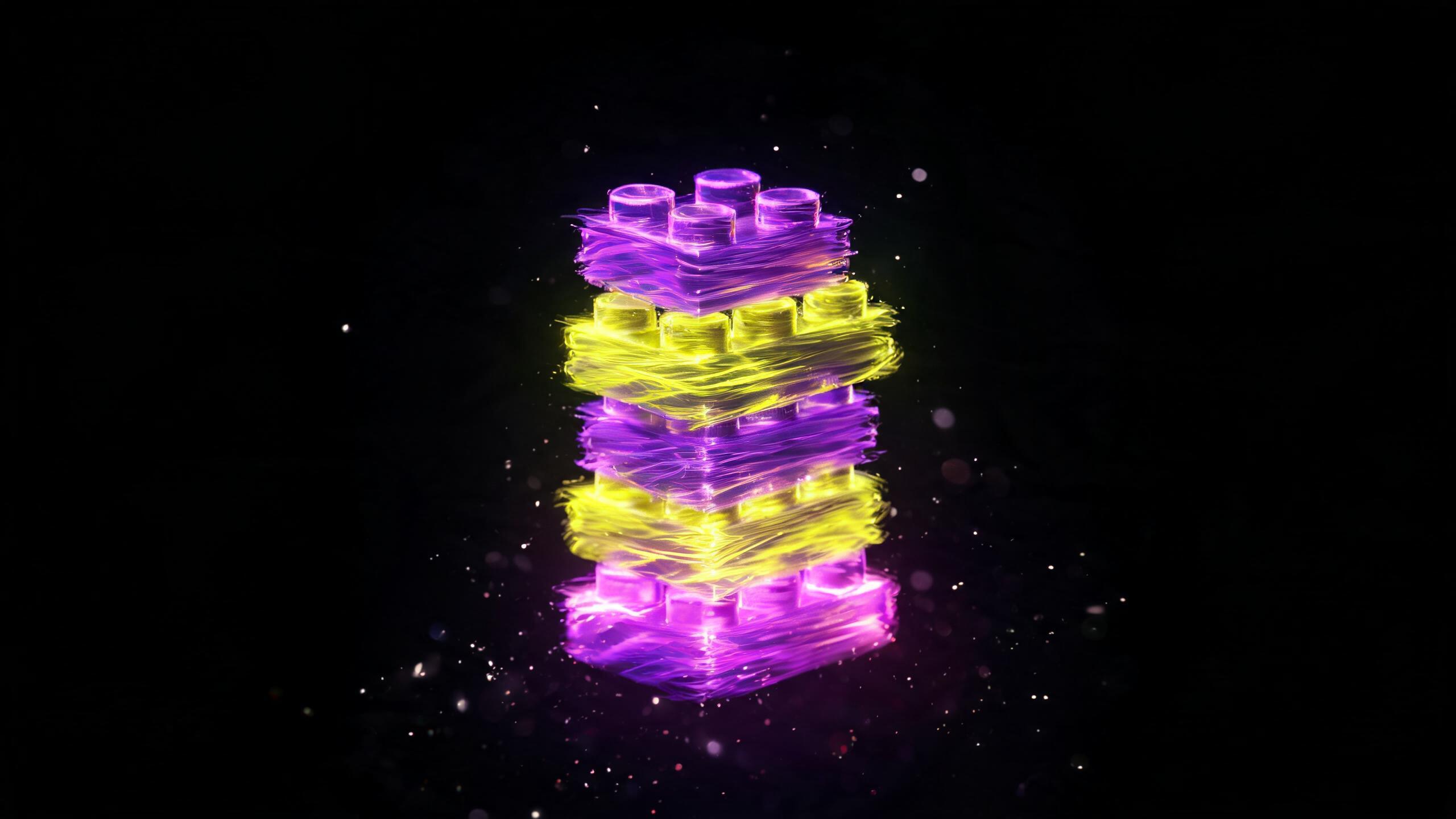
AI image prompt structure in five blocks: subject, composition, light, style, and technical settings. How to build a prompt and fix it when the shot's off.
Writing an image prompt as one long stream of thought makes it hard to fix later. Build it in blocks instead, like a kit, and you'll know exactly what to adjust when the shot comes out wrong. The AI image prompt structure I rely on has five parts, and this is the order models tend to read best. Let me walk through each one using a product shot as the example.
Block 1. Subject
What's actually in the frame, as specific as possible. Not "jar of honey" but "glass jar of creamed honey with a wooden dipper." Material and color go here too, if they matter. This is the core of the request, and nothing else works without it.
Block 2. Composition and Angle
Where the object sits and how we're viewing it. Close-up, top-down, three-quarter angle, product positioned on the left with open space on the right for text. That last detail matters a lot for listing photos: you're reserving room for infographics before you even generate the image.
Block 3. Light
The most underrated block. Soft diffused light, hard rim light, morning window light from the left, overhead studio lighting. Light decides whether a shot looks premium or flat, and it's worth spelling out every time instead of leaving it to the model's judgment.
Block 4. Style and Mood
Photorealistic, catalog-style, lifestyle, minimalist. Add the mood too: warm and homey, or cold and technical. This is also where a reference to a type of shoot belongs, just skip brand names or specific photographers since that's noise.
Block 5. Technical Settings
Resolution, aspect ratio, depth of field, and a negative prompt section if the model supports it: no extra objects, no text, no stray logos. I've got a separate breakdown on negative prompts.
Putting the Structure to Work
The real value of these blocks shows up during edits, not during writing. Shot's too dull? Fix the light block, nothing else. Product's out of focus? That's composition. This way you know exactly what caused the problem, instead of rewriting the whole thing and hoping for the best. I'll admit the temptation to just scrap the prompt and start over is real, I've caught myself doing it too, but editing one block at a time almost always gets you to the right shot faster.
Different models respond to the same blocks differently: one leans into lighting, another nails style. You'll see this clearly if you run one prompt through several models on Flami.
FAQ
What blocks make up an image prompt?
Five: subject, composition and angle, light, style and mood, and technical settings with a negative prompt. This order tends to read best for models, and it makes it easier for you to spot which block to fix when a shot misses.
Why describe light in the prompt at all?
Light decides whether a shot looks premium or flat, and without direction models pick their own, often badly. Soft diffused light, rim light, morning window light from the left, these small details move the result more than a long description of the subject ever will.
How do you fix a prompt when the shot doesn't work?
One block at a time: a dull shot points to lighting, an out-of-focus product points to composition, stray details point to the negative prompt section. Rewriting the whole prompt takes longer and tells you nothing about what actually worked.
Should you leave room for text in the prompt?
For listing photos, yes: specify that the product sits on the left with open space on the right. That way the finished image is ready for infographic overlays, and you won't have to redo the composition later.
Sources
- Flami: Negative Prompts, What to Cut
- Flami: One Prompt, Eight AI Models
About the author
Megan Brooks
Reviewer at Flami
Read next