
AI Tool Photos That Actually Show the Tool Working
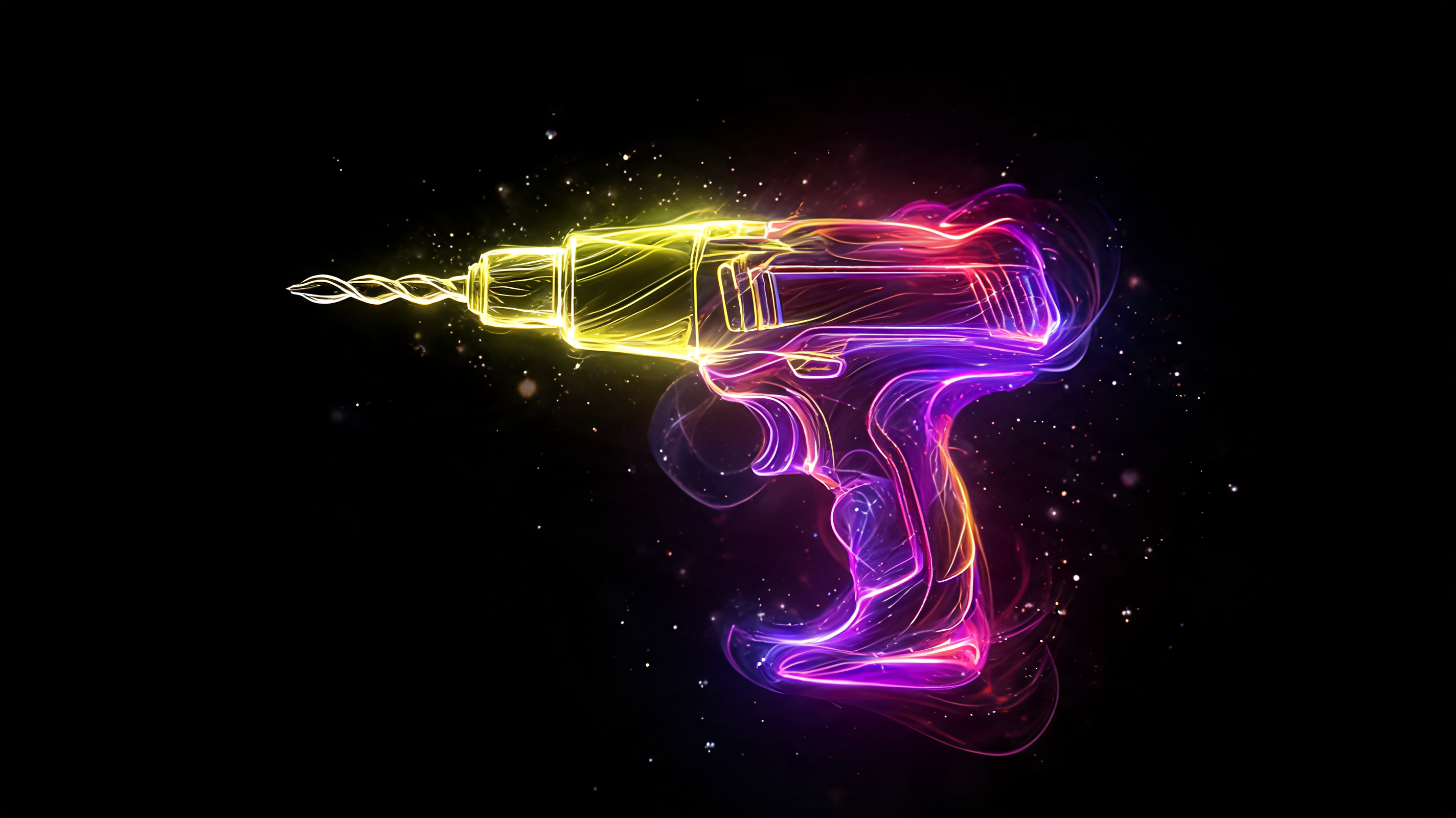
Generate AI tool product photos showing a drill or wrench in action, not on a white background. See which models handle mechanics well and where they fail.
Chips fly off a spinning bit, a driver sinks a screw into lumber with one press, a hand grips a drill confidently. That shot sells the tool because it shows what the thing does, not just what it looks like. An AI image generator can build that scene from a product photo alone, no workshop rental, no risk to anyone's fingers during the shoot. Here's how to do it carefully.
Show the tool doing its job
Shoppers buying a tool care about power, grip comfort, and results. A shot of the tool in action beats a catalog photo: a bit biting into metal, a wrench cinching a bolt, a blade cutting through a board. Context, a workshop or a job site, adds credibility too. It reads as a working tool, not a showpiece. For motion and mechanical action, Kling handles dynamics well, and for working out how a tool actually behaves against a material, Wan's reasoning mode is worth a look. I've also covered it in a Wan 2.7 review.
What details actually matter to buyers
A good action shot sets the mood, but shoppers still need specifics. Grip and handle ergonomics deserve a close-up shot of their own. Then the accessory set: what's included, which bits, drill bits, and attachments ship in the box. Power source needs to be unambiguous too, corded or battery, and if it's battery, how long a charge lasts. Size matters as well, with something in frame for scale, since photos alone rarely tell you if a drill is compact or heavy.
Where AI generation trips up on tools
No sugarcoating it, tools have their own set of failure points. Fine mechanical detail, chucks, threading, saw teeth, ratchet mechanisms, tends to get reinvented by the model into something that would never actually function. Hands on a grip have the same problem as hands everywhere else, I wrote about why here. And anything with particle motion, wood chips, sparks, drops of lubricant, behaves unpredictably. So I shoot the tool itself as a clean standalone image and treat the action scene purely as atmosphere.
In my experience, getting precise chuck mechanics and a convincing action scene into a single frame rarely works, so I usually split it into two separate shots. Which model handles metal better on a given day, and which one nails the motion, isn't something I can predict in advance. I test it on the actual tool every time. Flami builds both the action shot and the clean product photo from a single tool image, then it's on me to check the mechanics hold up.
FAQ
How should I photograph a tool for a listing?
Action shots in context work best: a bit in metal, a wrench on a bolt, a blade mid-cut. A tool shown doing its job communicates power and results far more convincingly than one sitting on a white background, and it builds more trust with buyers.
Why does AI distort tool mechanics?
Small mechanisms like chucks, threading, and saw teeth get reinvented by the model into shapes that wouldn't actually work. Hands on a grip are just as tricky, same issue as hands in general. Shooting the tool on its own in a clean frame gives the model less room to get it wrong.
Which AI model works best for tools?
Kling is solid for motion and mechanical action, while Wan with reasoning mode is more accurate at working out how a tool behaves against a material. Since one model tends to be better with metal and another with motion, it's worth testing a couple on your specific tool.
What details should a tool listing include?
Grip and handle ergonomics, what's included in the box, power source and battery life, and size with a clear reference point. These are worth shooting as separate images so buyers can judge comfort and what they're actually getting, not just admire a nice scene.
About the author
Daniel Reed
Head of content at Flami