
AI Video for Shoes: How to Show Fit and Material Without a Photoshoot
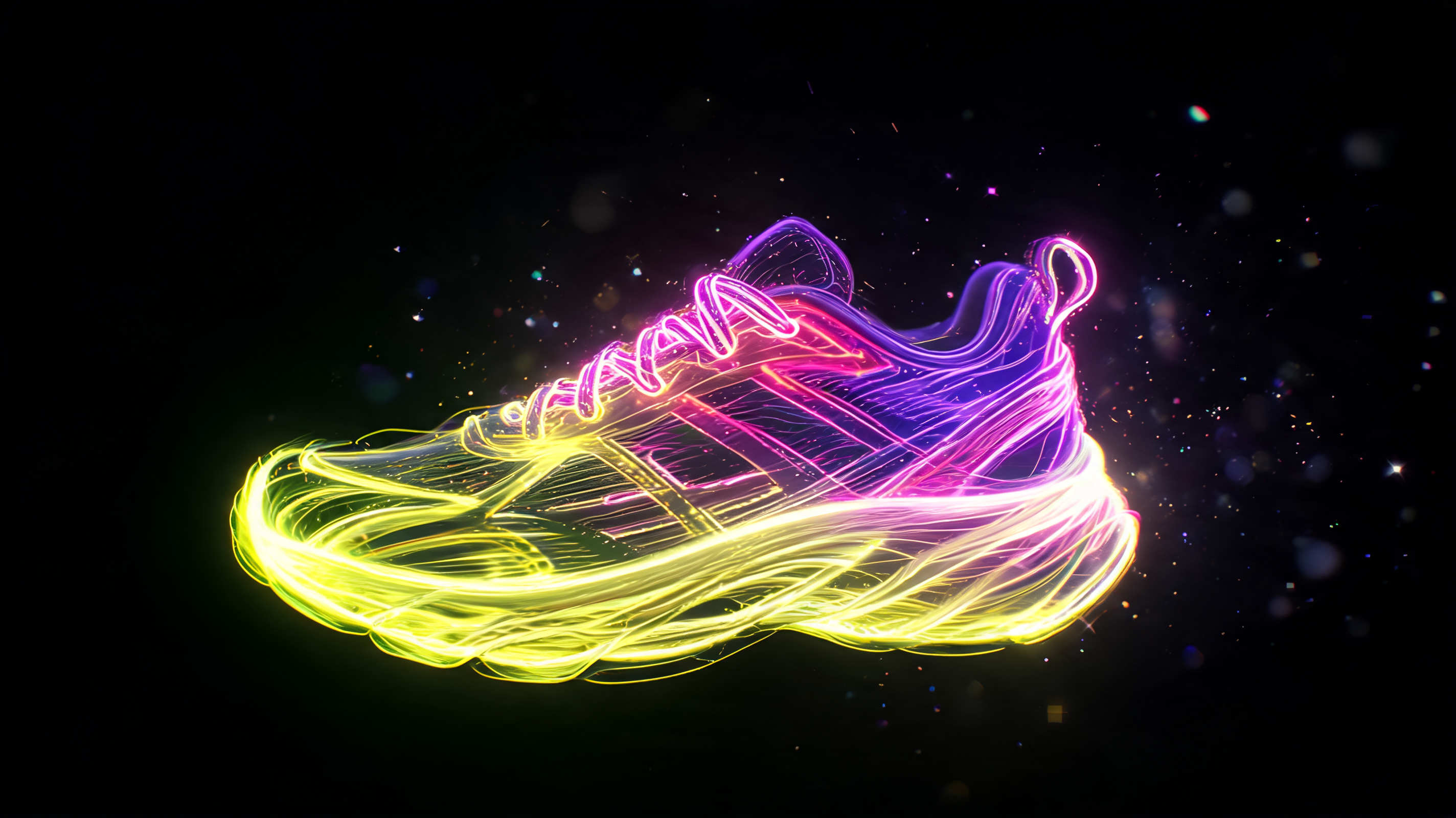
AI video for shoes: show fit, texture, and material from a single photo. Which models handle sneakers and boots best, and where generation still struggles.
Shoes get bought on doubt as much as on looks. Buyers wonder how a pair fits, whether the sole feels stiff, if the color matches what's on screen. A photo answers none of that, and a real shoot with a model costs real money. AI video for shoes fills that gap: a short clip built from a product photo shows the item in motion and knocks out half the hesitation. Here's how I put one together, and where the generation still falls short.
What an AI Shoe Video Needs to Show
A shopper wants to see how the pair sits on a foot, get a close look at stitching and texture, and get a sense of the real material. So a good clip usually runs three types of shots: a turn that reveals the silhouette and shaft height, a close-up on laces, sole, and leather or suede, and a foot in frame taking a light step to read the fit.
For the shots with a foot and motion, Kling handles dynamic angle changes well; I wrote more about it in my Kling 3.0 review. When a person is in frame and you need natural movement, Hailuo tends to do a better job. And turning your own product photo into a clip is exactly what image-to-video is for, the process of animating a still shot into motion; there's a full walkthrough here.
Where Generation Trips Up
No sugarcoating this: shoes are covered in small, repetitive texture, and that's the hardest thing for a model to render cleanly. Laces get tangled in ways that make no physical sense. Fast motion blurs stitching and tread patterns. Brand logos sometimes warp or get swapped for something else entirely. The faster and bigger the movement, the higher the risk.
So I keep motion slow and save the detail shots, the ones that actually matter, for static close-ups where the model has less room to mess up. I also block competing logos in the negative prompt every time. Left alone, generators love to sketch a familiar logo onto a shoe that shouldn't have one, and that's a fast way to get flagged in marketplace review.
My Workflow
I start with a sharp photo of the pair in even light, no glare. Then I build a short sequence: a turn, a couple of close-ups on details, one shot of a foot in motion. I keep the whole thing to ten or fifteen seconds so the product reads instantly. Before uploading anything, I scan the clip for warped laces and stray logos.
Honestly, I still haven't pinned down which model handles suede the cleanest. I ran three different ones side by side and got three different results, so I won't pretend there's one obvious winner. For high-end campaign work on premium loafers, where every stitch line matters, a real shoot still beats generation. For a standard listing, AI video gets the job done and cuts the budget by a wide margin.
Shoe-ready motion models are already set up in Flami: upload a photo of the pair, pick a turn, get your clip.
FAQ
Can I make a shoe video without a photoshoot or a model?
Yes. The generator animates a still photo of the pair: a turn, close-up details, a foot in motion. That's enough for a standard listing to answer the usual questions about fit and material, no studio or model needed.
Which AI model works best for shoe videos?
Kling handles motion and angle changes well; Hailuo is a solid pick for shots with a person in frame. Turning your own product photo into video is what image-to-video is built for. For any specific product, it's worth testing a couple of models and picking whichever keeps details sharpest.
Why does the AI mess up laces and tread patterns?
That's small, repetitive texture, and it's the hardest thing for a model to render accurately, especially with fast motion. Slower movement helps, and so does showing the critical details as separate static close-ups where there's less room for error.
How do I avoid stray logos showing up on the shoe?
Add a logo block to your negative prompt and check the clip before uploading. Generators tend to sketch in familiar brand marks on their own, and an unintended logo is a quick way to get a listing flagged in review.
Sources
- Flami: image-to-video, how to animate a product photo
- Flami: Kling 3.0 review
About the author
Daniel Reed
Head of content at Flami