
AI Watch Photos: Dial, Bracelet, and a Shot on the Wrist
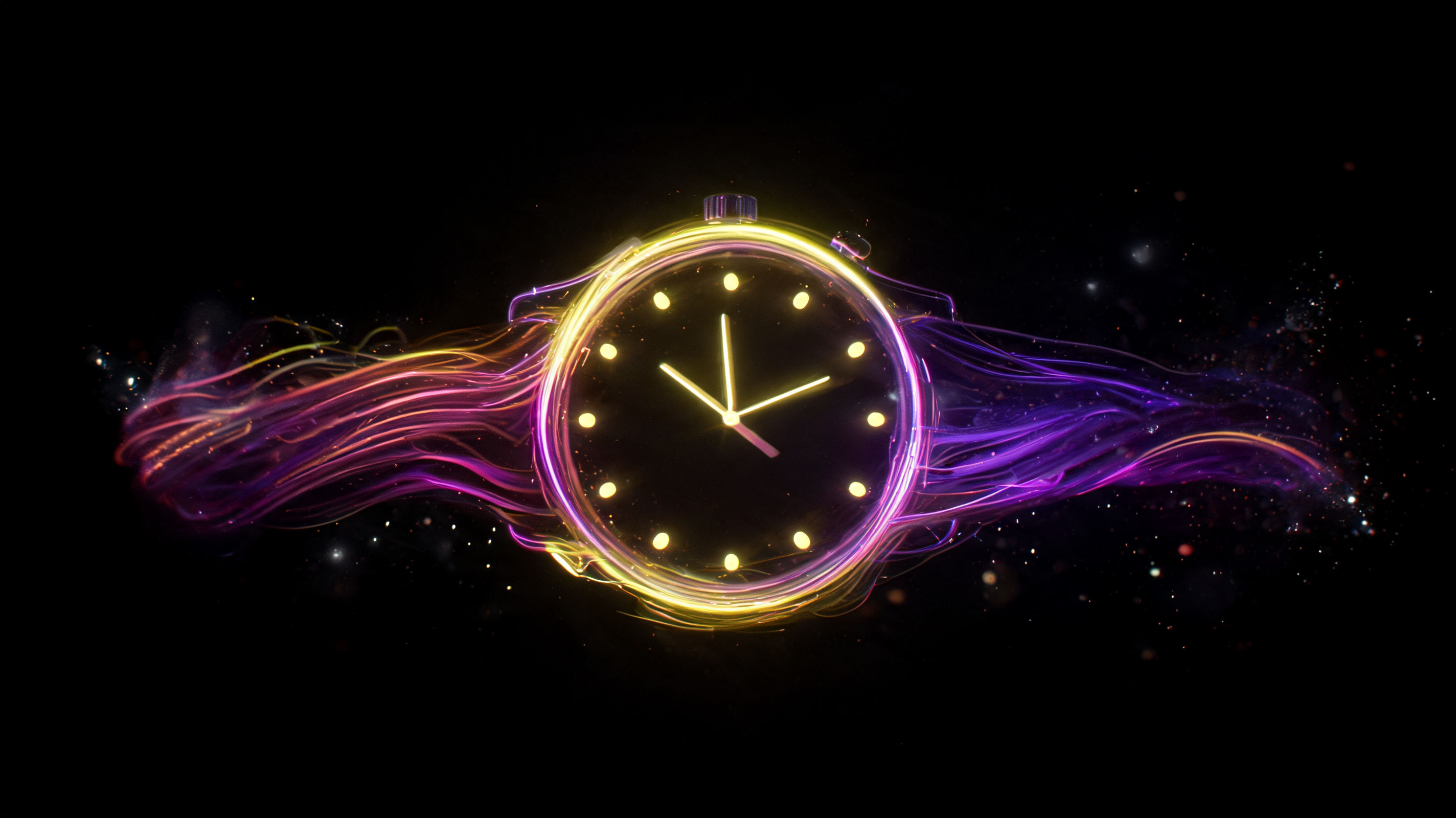
AI watch photos: how to show the dial, strap, and fit on a wrist, which models handle reflections well, and where AI still fumbles watch hands and numerals.
A watch lives or dies on details: the glint on the crystal, the texture of the dial, how the bracelet sits on a wrist. Most of my work is assembling and refining shots rather than generating from a blank prompt, and with watches I've landed on three distinct shot types, each with its own quirks when you clean it up. Here's how each one plays out.
The Dial and Case
This is your hero shot. A macro on the dial shows texture, hour markers, the bezel, and that crystal reflection that signals quality. AI handles reflections and metal surfaces well here, but there's a trap: numerals, hands, and small text on the dial come out wrong. The model often fumbles the layout, placing hands at odd angles or nudging the markers out of place. I've tried letting the AI handle the dial layout more times than I can count, and a clean, accurate dial almost never comes out right on the first pass. So I fix this layer in an editor over a clean case render.
Strap or Bracelet
The second shot is about material and how it attaches. Leather, metal, silicone, shown large enough to see the grain. A metal bracelet's links are a small repeating pattern, and that's exactly where generation breaks down, A metal bracelet's links are a small repeating pattern, and that's exactly where generation breaks down, duplicating or merging links. So I shoot the bracelet as a tight, static close-up, with the clasp photographed separately since that's what buyers judge quality by. For honest metal and glass reflections, Flux 2 handles the physics of light well; more on that in our Flux 2 review.
The Watch on a Wrist
The third shot answers the size question. On a wrist, you can actually judge case diameter and thickness, something a flat product shot on white never conveys, and that gap is behind a chunk of returns. A wrist shot means dealing with the usual hand and finger issues; I always review this one closely, and the roots of those artifacts are covered in a separate piece. For believable wrist skin and case metal, Nano Banana does well with realistic product shots.
AI Watch Photos: What Holds Across All Three
The strength of AI-generated watch images is shine and reflection. The weakness, oddly enough, is time itself: the layout, the hands, the date window. Because of that, I build these shots in layers out of habit: I take the case and reflections from the model, then lay the precise dial markings on top in retouching so the hands don't drift. Even so, your eye goes numb to the flaws after a while, and I've caught a crooked hand only by comparing against a real reference photo, so I keep one handy. Flami generates the dial, bracelet, and wrist shot from a single product photo; the detail work comes after.
FAQ
How do I shoot a watch for a product listing?
Use three shots: a dial and case macro with a crystal reflection, the strap or bracelet material with the clasp shown separately, and the watch on a wrist for scale. That wrist shot heads off a common return reason: buyers can't judge diameter from a flat photo on white.
Why does AI mess up watch dials?
Numerals, markers, and hands are small, precise details that the model tends to misplace, shifting the layout or angling hands incorrectly. It handles the case and reflections well, but precise dial markings are safer to finish in an editor over a clean case render.
Which AI model works best for watches?
Flux 2 is solid for honest glass and metal reflections; Nano Banana works well for realistic wrist skin and case detail. Since models handle glass and metal differently, it's worth testing a couple against your specific watch.
Why does a wrist shot matter for watches?
On a wrist, you can see actual case diameter and thickness, something a flat photo on white simply doesn't convey. A chunk of returns comes down to size mismatch with expectations, and a wrist shot heads that off before the sale.
Sources
- Flami: Flux 2 Review
- Flami: Why AI Messes Up Hands, Text, and Logos
About the author
Jake Turner
Reviewer at Flami