
Why Black Products Lose Their Shape in Photos (and How to Fix It)
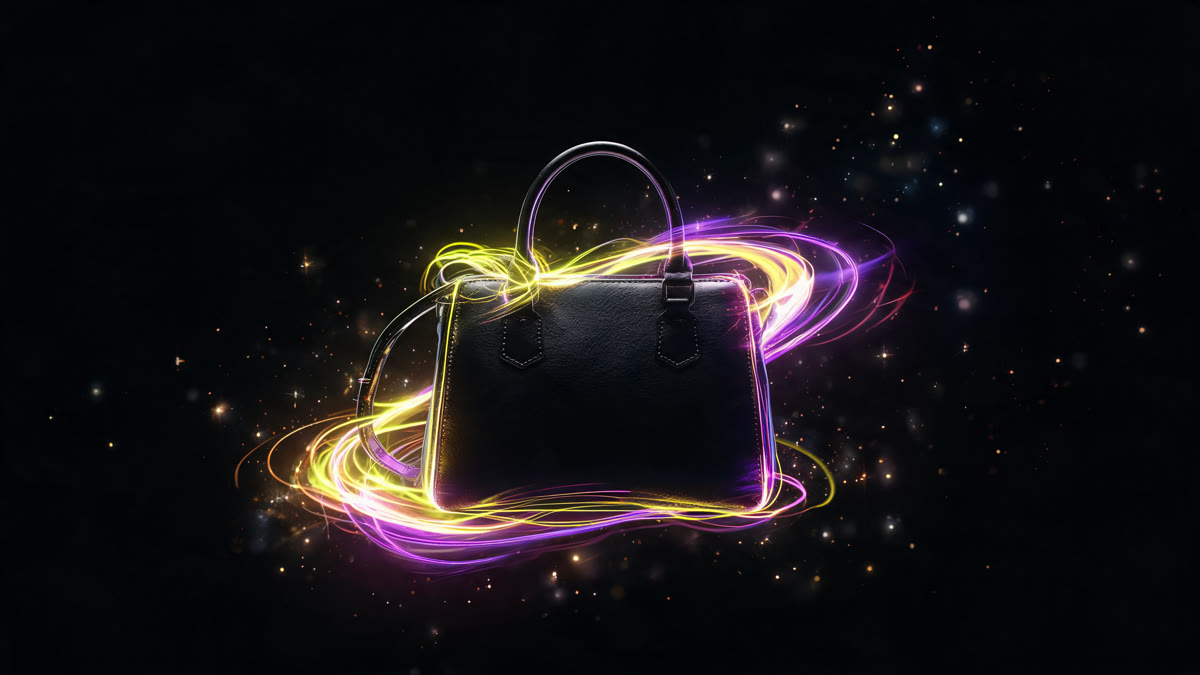
Black products flatten into a shapeless blob on camera. Here's the lighting and background that bring back form, plus what to tell an AI model to get it right.
Black product photography is a classic headache in product shoots. A matte black surface barely reflects anything, so on camera it turns into a silhouette with no shape: you can tell something is there, but not what it actually looks like.
What gets lost
Volume. Without brightness contrast, the eye can't read form.
Texture. Matte plastic, fabric, and metal all look identical once they go dark.
Edges. Against a dark background the object dissolves; against white it turns into a flat cutout.
And the small stuff: seams, buttons, joins, surface relief.
What actually brings the shape back
Rim lighting. A light source placed behind and to the side traces a bright edge around the object, and the shape reads instantly. That's the main trick.
Edge highlights. A soft side light catches the corners and draws thin bright lines that explain the geometry.
A mid-tone background. Not white, not black: gray, warm beige, a muted color. The object has something to sit against.
A soft shadow underneath. It separates the product from the background and adds volume.
Spot highlights. Even matte surfaces catch a little light here and there, and those tiny highlights are what sell the texture.
What to ask the AI model for
Describe the lighting in plain terms: rim light from behind and to the left, soft fill light from the front.
Ask for a bright edge outline around the object. This single phrase works more often than anything else.
Name the background color specifically, not just "neutral."
Ask the model to preserve surface detail: seams, joins, relief.
Tell it not to make the object glossy if it's matte. Models tend to add shine on their own.
Shooting black products at home
Swap the white backdrop for a dark surface, since it gives natural reflections along the edges.
A sheet of white paper off to the side works as a bounce card, and that's what draws the bright contour line.
Put the window behind the product, not behind you: backlighting is the main tool here.
Shoot slightly from above and the side. A dead-on front angle is where black objects lose volume the fastest.
What to check before you call it done
Does the shape still read at thumbnail size? That's the real test.
Did a matte product turn glossy somewhere along the way?
Can you actually see the details you're selling? If the whole point of the listing is texture, it has to show up.
What's the undertone? Black can lean warm or cool, and shoppers notice.
Any stray reflections creeping in? That's its own can of worms, closer to glass and mirror surfaces in AI generation.
Black products take more attempts than anything else I shoot. Six to eight attempts is normal, versus three or four for most other items. It's the one category where I budget double the time up front.
One caveat: this got noticeably easier over the past year. I honestly can't tell if that's the models improving or me finally learning how to describe light in words.
FAQ
Why does a black object lose its shape in photos? A matte black surface reflects almost no light, so without brightness contrast the eye has nothing to read volume from.
What kind of lighting fixes it? Rim lighting from behind and to the side. It traces a bright edge around the object, and the shape reads immediately.
What background works best? Something mid-tone: gray, beige, a muted color. White turns the product into a flat cutout; black makes it vanish entirely.
How do I check if a shot actually works? Shrink it to thumbnail size. If the shape doesn't hold up there, the shot doesn't work, no matter how good it looks full size.
Sources
About the author
Megan Brooks
Reviewer at Flami