
Seedream Image Generation: Why Texture Looks Real
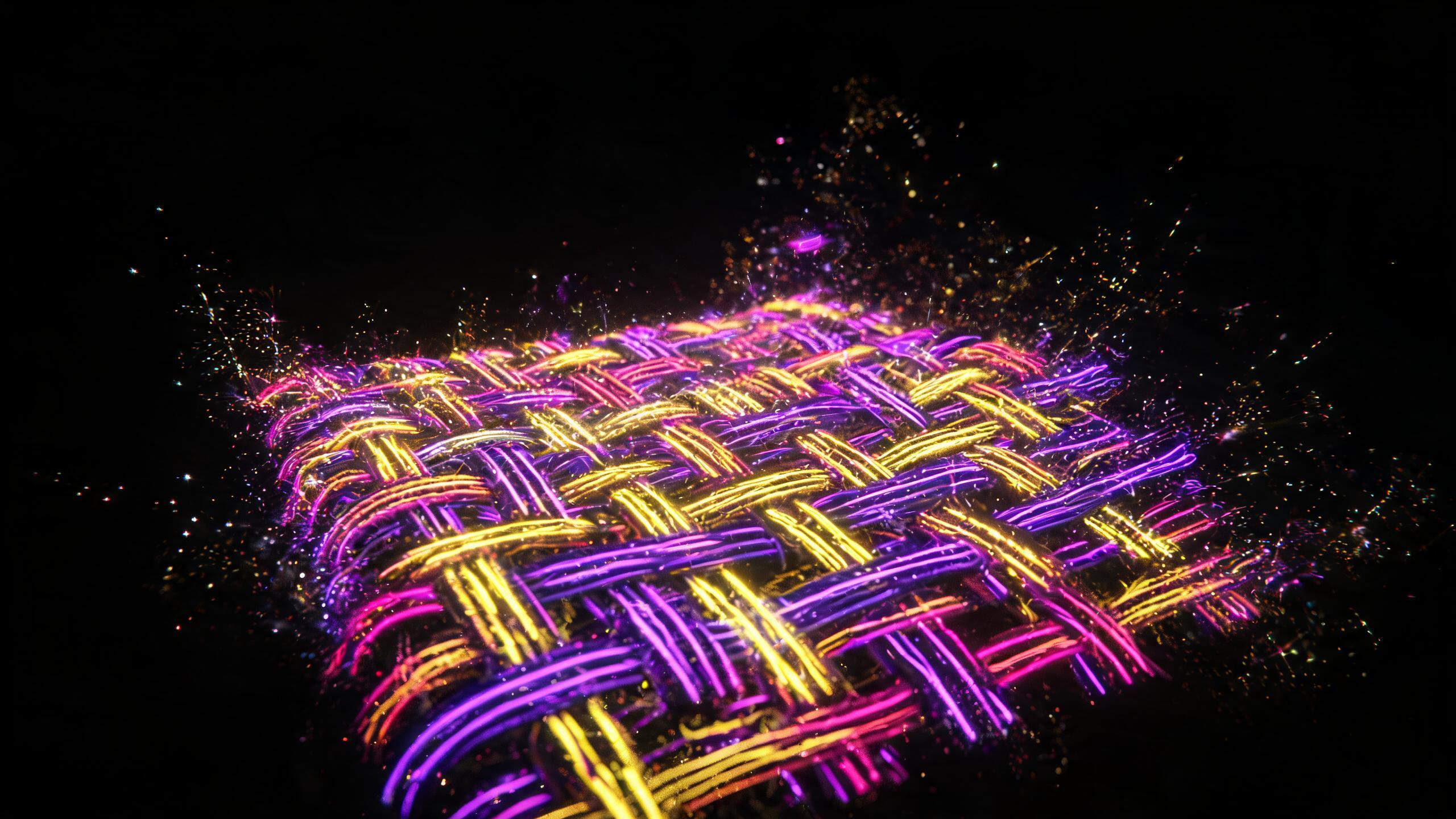
Seedream image generation nails material texture and small details. Here's which products it handles best and where I still don't trust it.
A wool throw on a wooden table, side light coming in from a window. You need to see the nap: where it's flattened, where it's standing up, how the shadow falls between the folds. That kind of shot is where the differences between AI image models show up, and it's exactly where Seedream image generation pulls ahead.
What the model does well
Fabric. Knit, wool, linen, terry cloth. The weave reads as an actual weave instead of a painted-on pattern. On clothing and textiles, that's what makes or breaks the shot.
Small details. Seams, stitching, clasps, hardware. Where other models smooth everything over, this one keeps the structure.
Food: the porous texture of baked goods, the sheen on berries, scattered crumbs. It's one of the hardest categories to get right, and Seedream holds up.
Matte surfaces. Ceramic, raw wood, paper. You get a finish without the plastic sheen that gives away an AI render instantly.
Where I still don't trust it
Jewelry with small facets. Shadows and reflections are mostly convincing, but on a silver bracelet I've had a window show up in the reflection that wasn't anywhere in the scene. Never happened with ceramics or matte metal.
Long, small text. A couple of words on packaging comes out readable, but a full paragraph at eight-point size is a coin flip, and that's true for every model. When there's a lot of text to render, I finish the job in Ideogram 3.0.
Precise geometry. Appliances with sharp edges and repeating elements: buttons, grilles, vents. The model tends to "loosen up" these shapes a little, and symmetry drifts off.
Hands. A shared weakness across every model out there, and we covered why separately.
How to write prompts for texture
The main shift from a regular prompt: describe the material physically, not with an adjective.
Instead of "cozy blanket," write "chunky wool knit, visible stitches, nap flattened on one side."
Skip "fresh bread." Go with "crust with visible cracks, porous crumb, flour dusting the surface."
Light gets its own instruction, and it should be side or back light whenever texture matters. Front lighting kills it: the surface turns flat.
Scale matters too. Texture only shows up in medium and close-up shots. On a wide shot, no model renders it, no matter how you phrase the prompt.
Where Seedream fits into a production workflow
For me, Seedream usually comes in as step two.
Step one is a fast model for sorting out composition: where the object sits, what angle, what's around it. Running drafts is cheaper on Z-Image.
Once the composition works, I rebuild the same frame here with a detailed material description added in.
If the image needs to turn into a video afterward, the frame moves to a video model, and the full workflow is in our piece on animating product photos.
I skip that second step more often than I should, usually when a draft turns out better than expected. Then the texture looks flat once it's live on a product page, and I end up going back to redo it anyway.
One more reason this model earns its spot in product catalogs: once you land on a style, it carries across a whole series, so twenty listings end up looking consistent. You can run the model on the Seedream 5.0 page, and our head-to-head against Qwen is up separately if you want the comparison.
FAQ
What is Seedream best used for? Shots where material texture does the heavy lifting: fabric, food, ceramics, wood. It keeps surface structure intact where other models smooth it into plastic.
Does Seedream handle text on packaging well? A short label or price tag comes out clean and readable. Long, small text is where things fall apart, but that's a weak spot across every image model right now, not just this one.
How do I describe a material so the model actually gets it? Physically, not emotionally. Instead of "cozy," describe knit density, nap direction, cracks or pores. And always specify side or back lighting.
How does it compare to Nano Banana? Nano Banana delivers genuine 4K and handles complex typography more reliably. Seedream wins on detail freshness and on carrying a consistent style across a whole product series. One catch worth knowing: Seedream's 4K is upscaled from 2K, and that shows up if you're printing large.
Sources
- Flami: Seedream 5.0 review
- Flami: Qwen Image vs. Seedream
- Flami: why AI models mangle hands and text
About the author
Megan Brooks
Reviewer at Flami