
AI model reviews
Runway: How to Remove a Video Background (Four Different Ways)
Runway can remove a video background four different ways: cut out, swap, blur, or rebuild the scene. Here's how to pick the right one for your shot.
Runway can remove a video background four different ways: cut out, swap, blur, or rebuild the scene. Here's how to pick the right one for your shot.

AI sleeping bag product photos need real loft, a sharp zipper shot, and packed size shown honestly. Temperature rating belongs in the text, not the image.
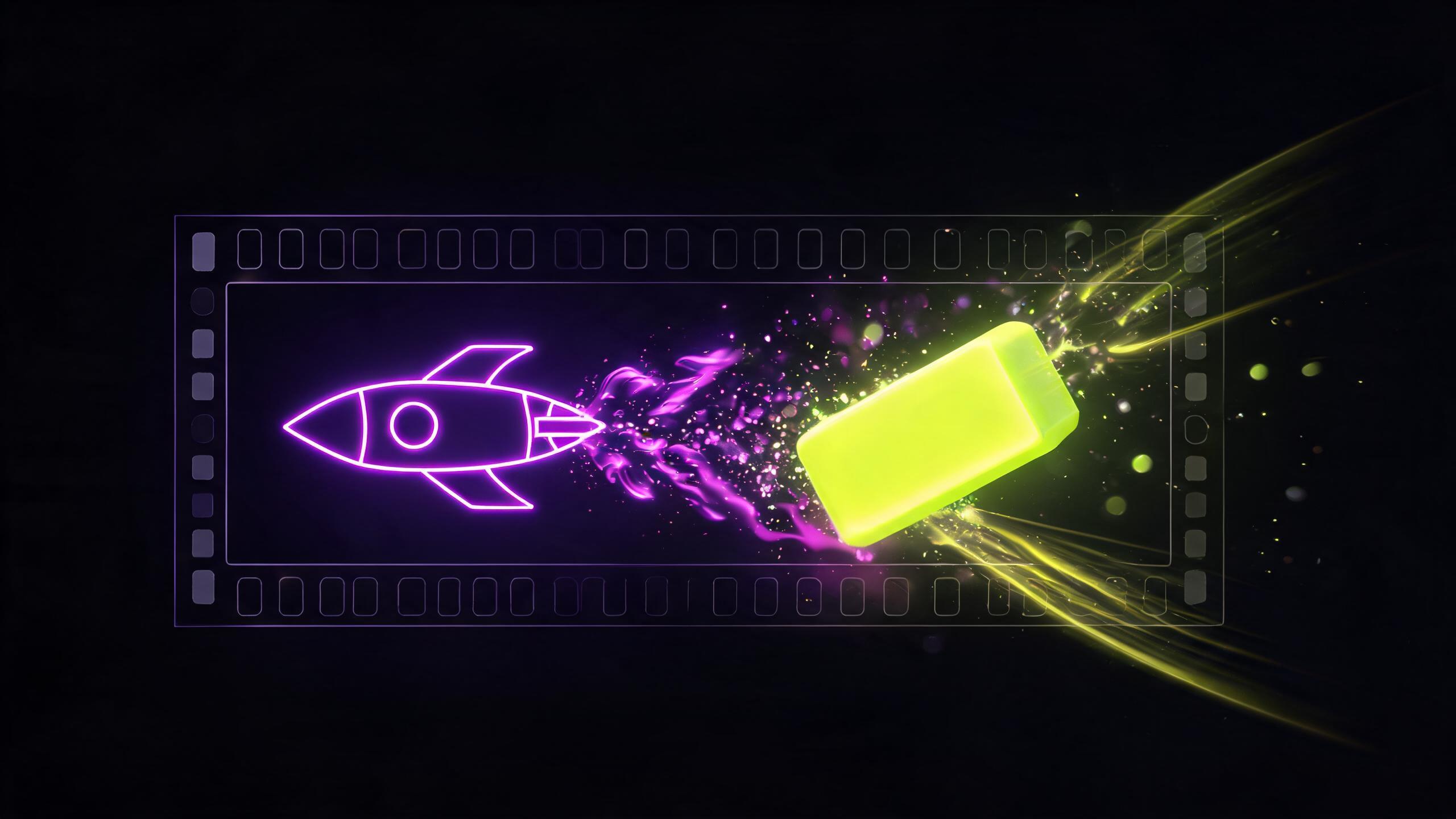
Removing an object from video in Runway takes one prompt, but the result depends on what was behind it. Here's when it works clean and when it doesn't.

See which AI models nail metal shine and stone sparkle in jewelry photos, and where generation still fails on rings and chains.

Prompt mistakes that drain credits fastest: vague requests, conflicting instructions, negations, and full rewrites. How to fix each one.
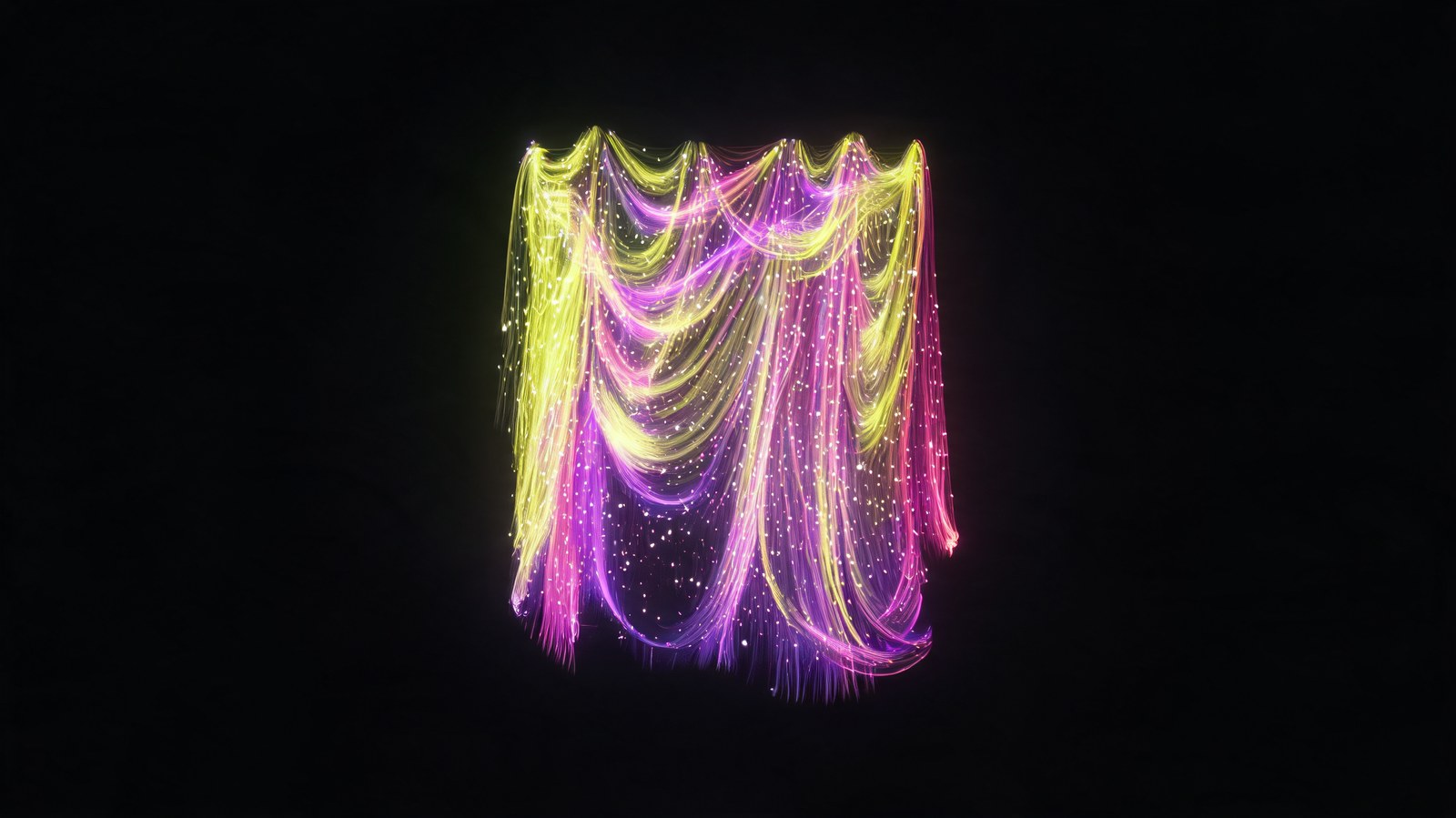
AI curtain photos live or die on drapery and how fabric reads backlit. Here's what generation gets right, what to shoot yourself, and what to double-check.

Veo 3.1 prompts explained: how to build a request, direct camera movement, set lighting and sound, and why skimping on detail kills the shot.

AI for bathroom product photos: myths about glare and water, the mistakes that ruin faucet or shelf shots, and how to show products in a real bathroom setting.

AI school backpack photos need to nail the orthopedic back and compartments. Here's what generation tends to flatten, and how to check the real shape.

Product photography prompts for AI: how to describe light, background, and angle so a shot looks catalog-ready, plus white background vs lifestyle differences.
A product infographic prompt differs from a normal one: the scene is built for text that doesn't exist yet. Here's the structure and wording that works.

AI product photos for yarn and fabric need to nail texture and true color, not just a nice mockup. Here's what generators get wrong and what to shoot yourself.